Practical guides for functional 3D prints.
Interactive STL-to-CAD 3D comparisons, fastener & clearance cheat sheets, and tool-selection guides for designing parts that fit off the print bed.
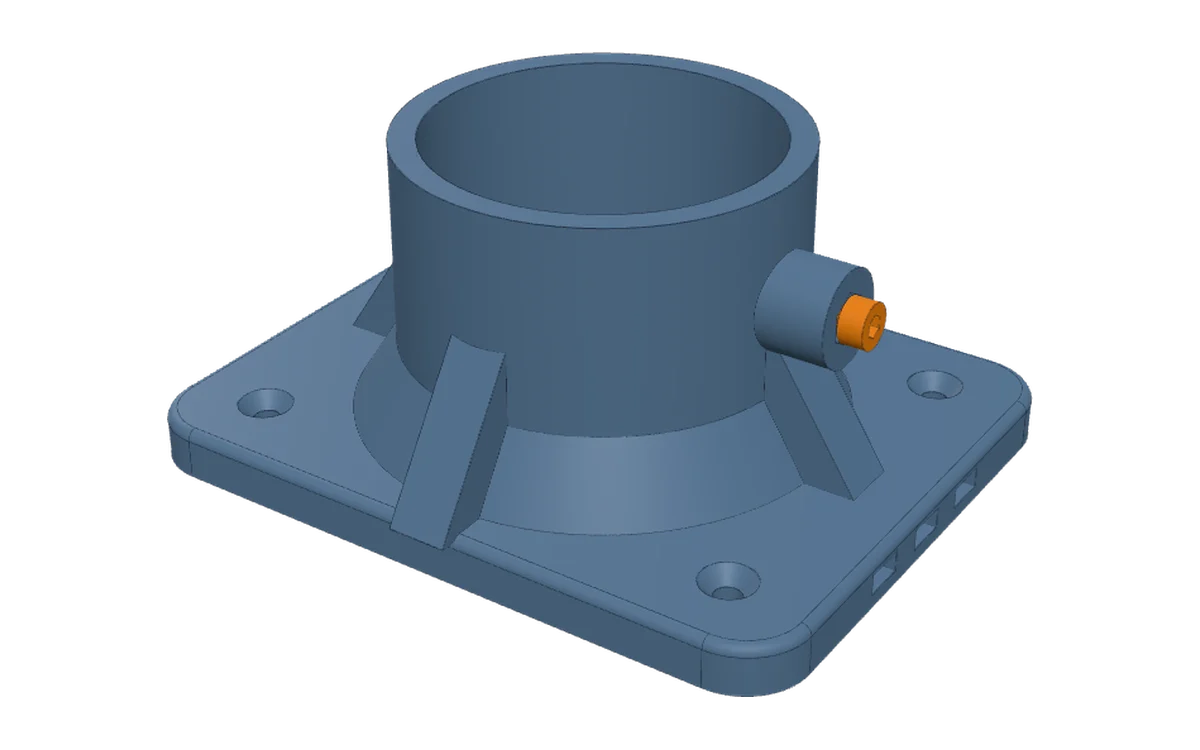 STL / 3MF remixing & reverse-engineering
How to Resize and Remix STL or 3MF Files Without Stretching Screw Holes
Scaling a downloaded 3D print in your slicer stretches circular bolt holes into ovals and ruins snap-fit clearances. Rebuilding mechanical STL or 3MF meshes into parametric B-rep CAD solids lets you widen plates, collars or cutouts while keeping hardware features exact.
- › What Non-Uniform Slicer Scaling Does to Hardware Features
- › Comparing Four Ways to Modify a Downloaded STL or 3MF
 Interactive 3D showcase
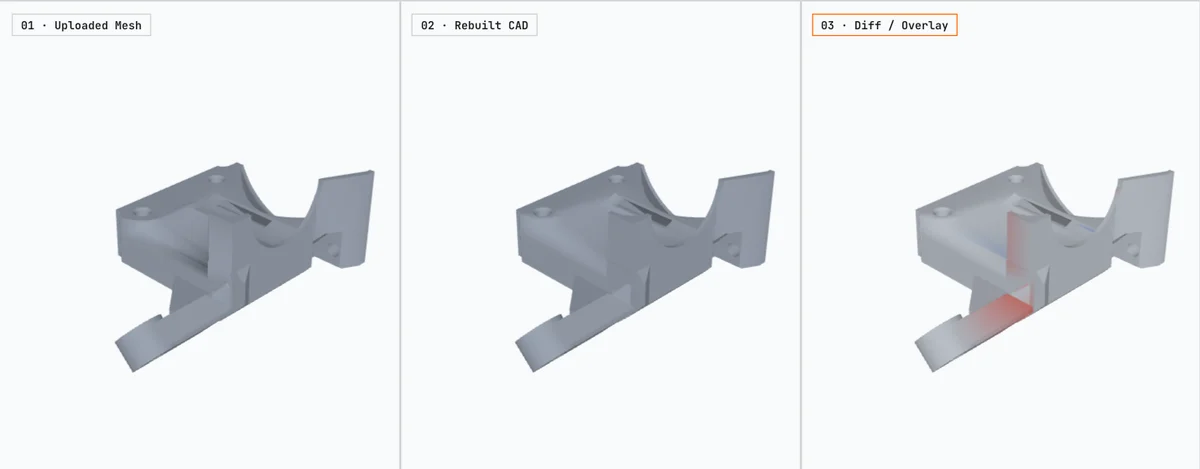
STL-to-CAD Reverse-Engineering Showcase: Inspect Input Mesh, Rebuilt CAD & 3D Diff
Spin twelve real reverse-engineering cases below across three synchronized 3D viewports: the uploaded mesh on the left, MeshWish’s rebuilt B-rep solid in the middle, and an overlay or signed deviation heatmap on the right. They come from the harder tiers of our benchmark and are shown as they came out, the five that do not pass included.
 Mechanical joints & hardware reference
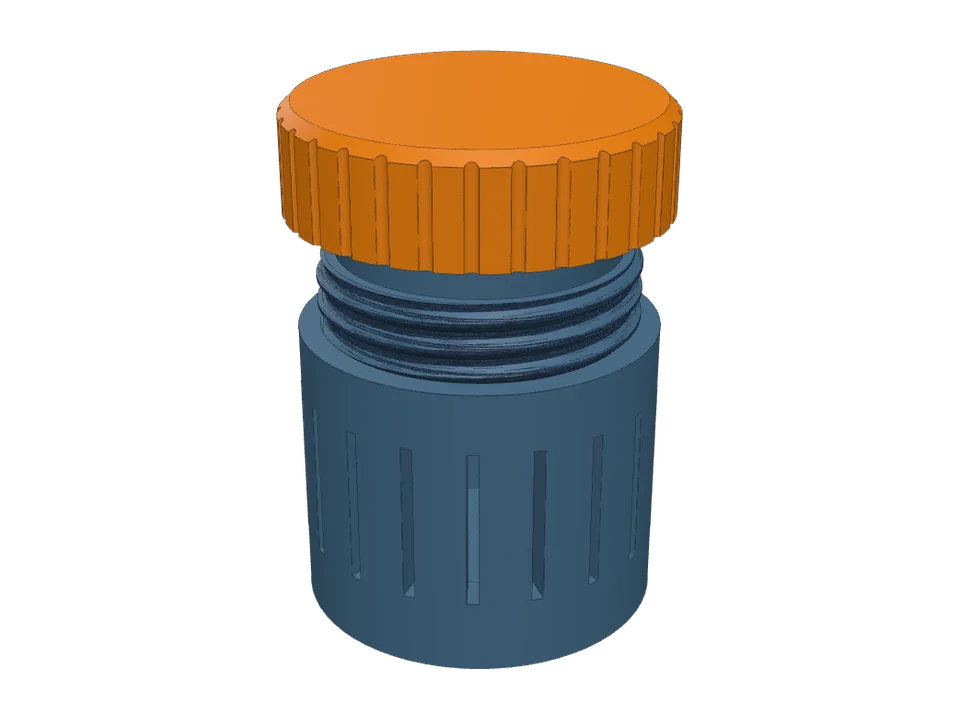
Designing 3D-Printed Screw Threads and Standard Fastener Joints
Choosing between directly 3D-printed threads, self-tapping screws into plastic bosses, captured hex nuts, or brass heat-set inserts determines how strong and repeatable your assembly will be. Here is how to specify real threads and standard hardware in parametric CAD.
- › Choosing the Right Threaded Joint for FDM 3D Prints
- › Built-In Standard Threads & Fastener Families in MeshWish
 Engineering reference · Fasteners & tolerances
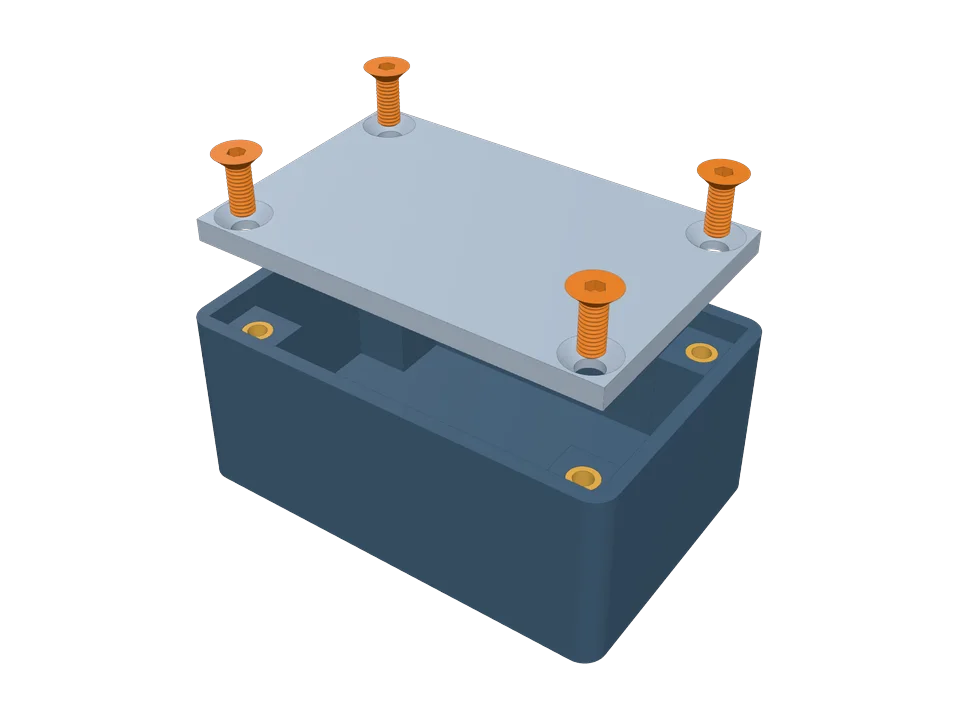
3D Printing Clearances, Screw Holes & Brass Heat-Set Insert Sizing Guide
Nominal CAD holes rarely match physical FDM prints: inner perimeters shrink slightly, layer lines add friction, and brass heat-set inserts need specific bore diameters to bite without splitting bosses. Use the tables below when writing CAD prompts or tuning parameters.
- › Metric Screw Clearance & Brass Heat-Set Insert Bore Table (M2–M5)
- › Fit Clearances, Wall Thickness & Overhang Defaults
 Architecture & tool selection
AI Parametric B-rep CAD vs. Generative 3D Mesh Tools: Which One Fits Your Part?
Not all "AI 3D generators" build the same kind of geometry under the hood. Generative 3D diffusion/mesh models and parametric B-rep CAD engines solve opposite halves of the 3D world—picking the right one saves hours of cleanup.
- › 2×2 Suitability Matrix: Geometry Type × Part Purpose
- › Technical Comparison: Parametric B-rep AI vs. Generative Mesh AI
Explore use cases
3D-printing CAD use casesWhat to build or remix with MeshWish—and ready prompts to start.
Explore 3D-printing parametric CAD use cases on MeshWish: STL/3MF remixing, blower nozzles, enclosures, brackets, jigs & extrusion rigs with live sliders.
Bring the first part you actually want to print.
Sign up and get 3,000 free credits to start, valid for one month.