AI Parametric B-rep CAD vs. Generative 3D Mesh Tools: Which One Fits Your Part?
Not all "AI 3D generators" build the same kind of geometry under the hood. Generative 3D diffusion/mesh models and parametric B-rep CAD engines solve opposite halves of the 3D world—picking the right one saves hours of cleanup.
Last updated:
2×2 Suitability Matrix: Geometry Type × Part Purpose
Regular geometry × Functional · has to fit
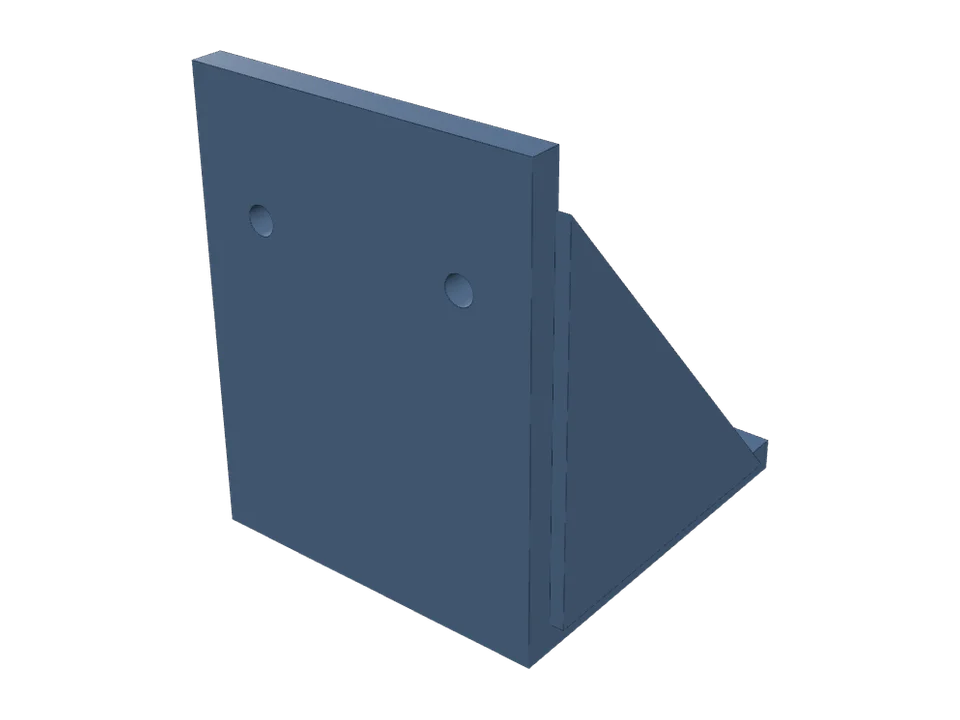
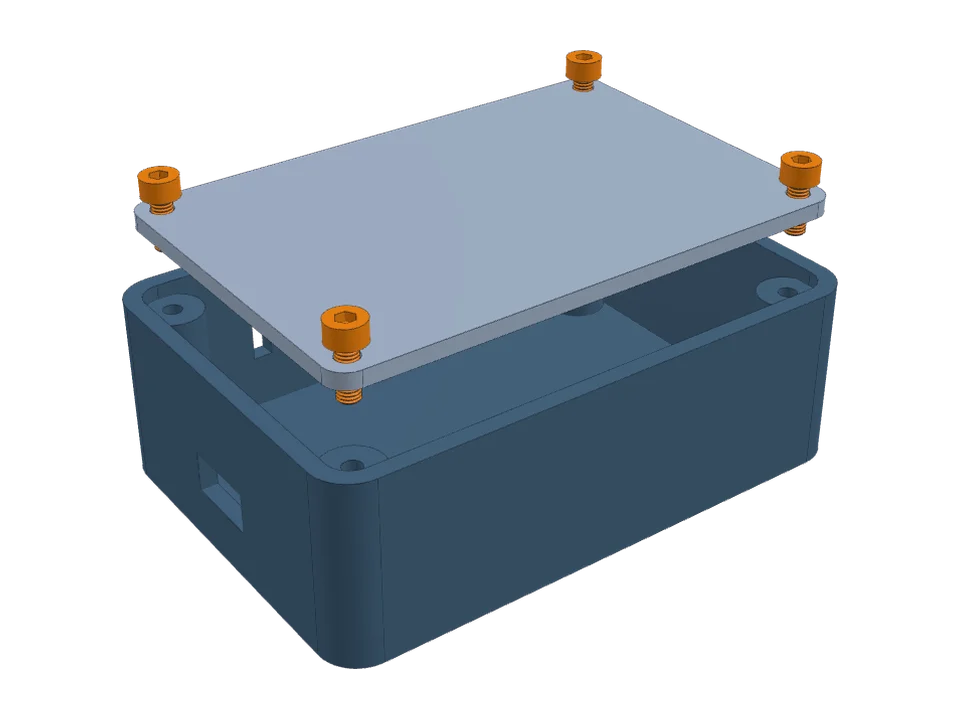
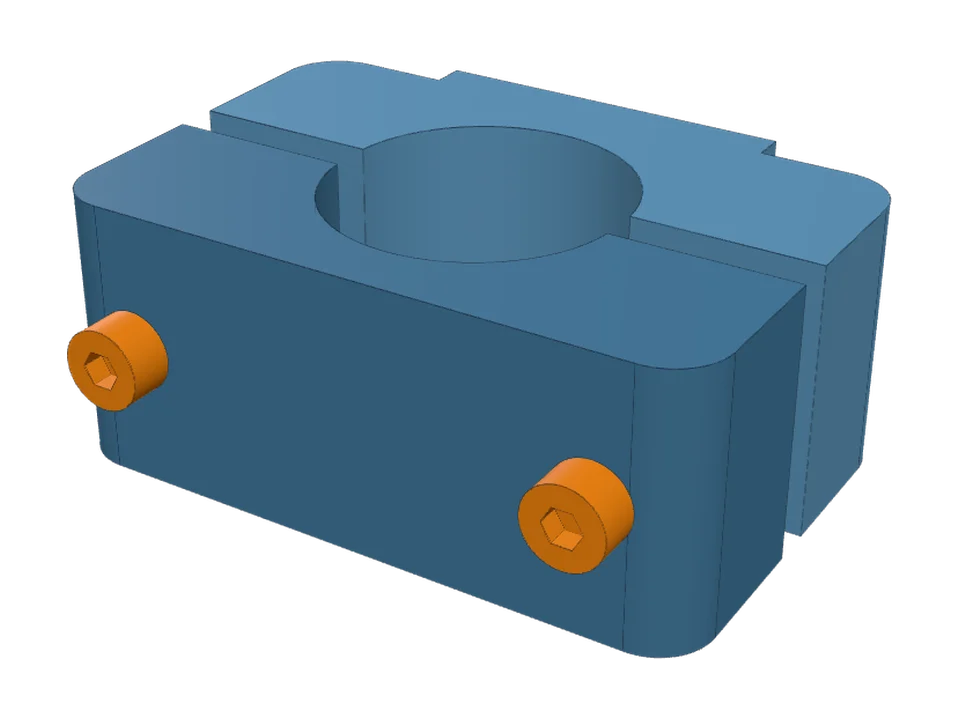
Brackets, enclosures, clamps: exact millimeters, sliders, STEP.
planes, cylinders, patterns
Regular geometry × Visual · has to look right
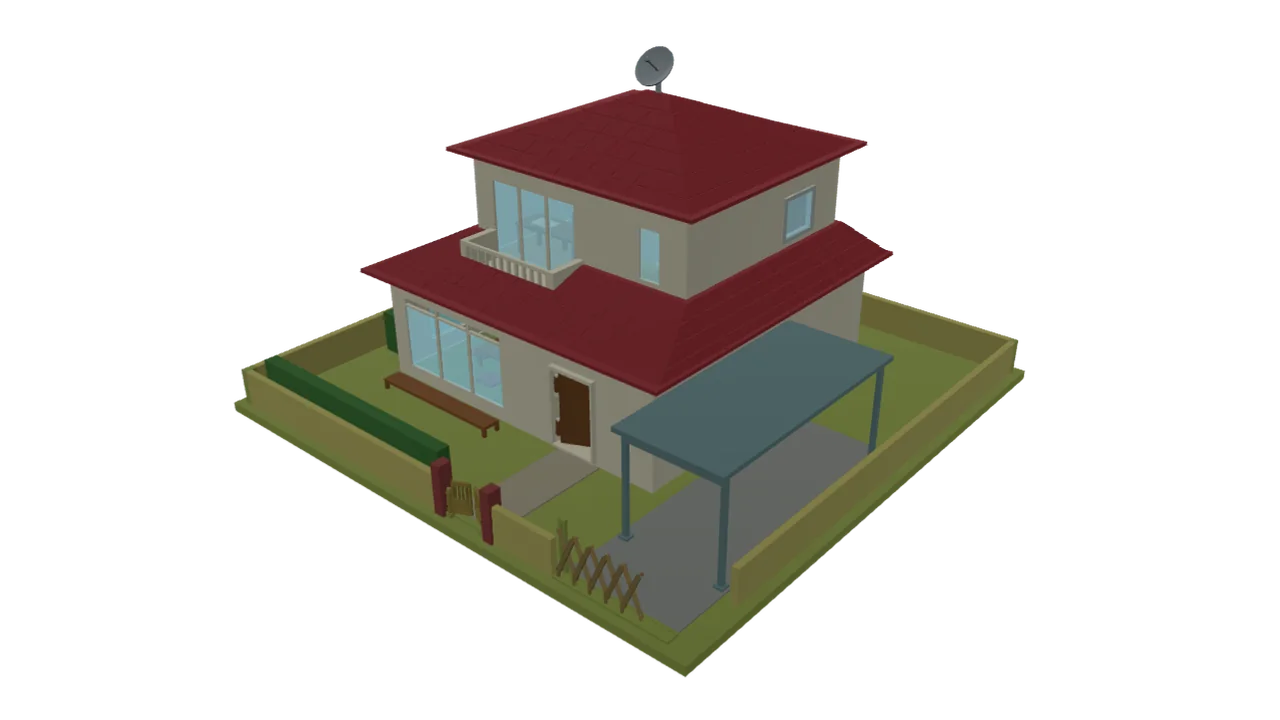
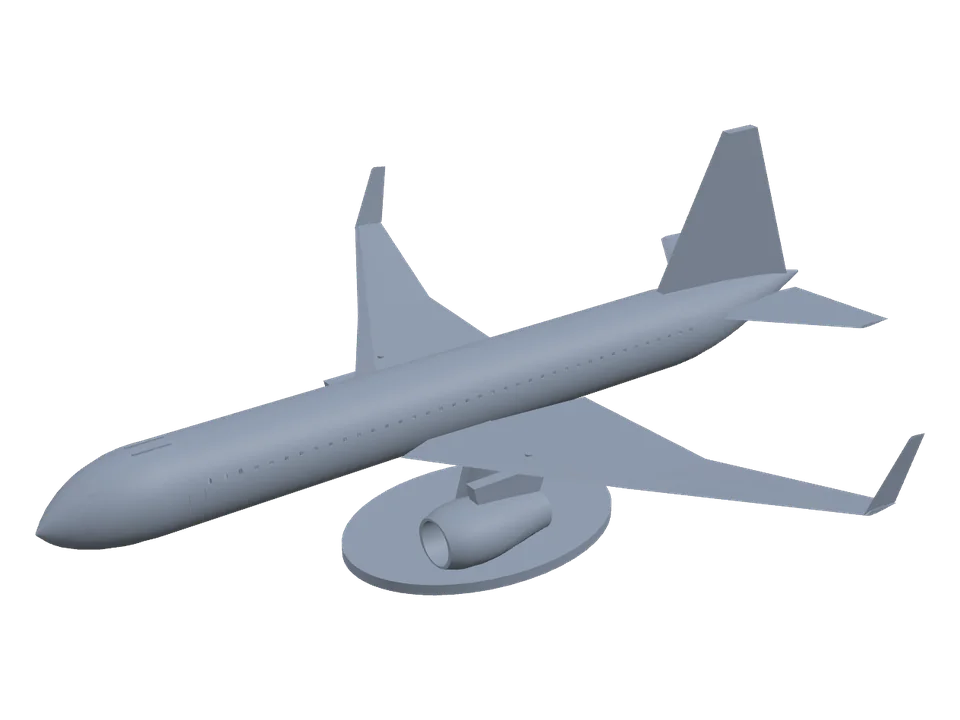
Hard-surface display models that come apart part by part.
planes, cylinders, patterns
Freeform surfaces × Functional · has to fit
Simplify to revolved or lofted forms, or expect cleanup.
faces, creatures, cloth
Freeform surfaces × Visual · has to look right
Characters, figurines and sculpture: silhouette and texture matter, not millimeters.
faces, creatures, cloth
| Geometry \ Purpose | Functional / Manufacturable / Dimension-Critical | Artistic / Visual / Character Assets |
|---|---|---|
| Regular & rule-driven geometry (planes, cylinders, extrusions, lofts, patterns) | Sweet spot for AI Parametric B-rep CAD (MeshWish): exact mm, live sliders, STEP + STL/3MF | Works well in Parametric CAD when dimensions or clean hard-surface assemblies matter |
| Freeform organic surfaces (faces, creatures, cloth folds, sculpted clay) | Difficult in pure parametric CAD unless simplified to revolved/lofted forms | Sweet spot for Generative 3D Mesh tools (text/image-to-textured-mesh) |
Technical Comparison: Parametric B-rep AI vs. Generative Mesh AI
A ring of flat facets
No center, no diameter: only vertex coordinates. Scaling multiplies every vertex alike.
A cylinder: center + Ø3.4 mm
An exact round face that keeps its size when the part around it changes.
| Dimension | AI Parametric B-rep CAD (MeshWish) | Generative AI 3D Mesh Tools |
|---|---|---|
| Underlying representation | Exact boundary-representation (B-rep) solids + named parameters | Dense triangle/polygon mesh + optional UV texture maps |
| Hole & mating accuracy | True analytic cylinders and planes in exact millimeters | Approximated triangles; holes are rarely round or nominal |
| Changing one dimension | Move a parameter slider—solid rebuilds cleanly | Requires re-generating or non-uniformly stretching the mesh |
| Engineering CAD / CAM export | Native clean STEP alongside STL, 3MF and glTF | OBJ / GLB / STL meshes only; no analytic STEP |
| Multi-part hardware assemblies | Places exact catalog extrusions, brackets, bearings & BOM | Single fused blob or unmated visual sub-meshes |
| Editing an existing mechanical STL | Rebuilds meshes with 60%+ regular surfaces into parametric CAD | Typically remeshes or re-textures rather than parameterizing |
1. Why triangle meshes fight functional 3D printing
Generative 3D diffusion tools excel at silhouette, posture and surface texture—making them great for tabletop miniatures, game props and organic sculptures. However, because they predict a cloud or grid of triangles rather than engineering features, a "40 mm hole spacing" or "M3 clearance bore" is only visual guesswork.
When you print a functional bracket, electronics box or shop jig, half a millimeter determines whether screws thread in or lids snap shut. Parametric B-rep CAD constructs solids from exact sketches, extrusions, revolutions, fillets and boolean cuts, validating solid integrity on every build.
2. Sliders beat re-prompting for fit iteration
Functional 3D printing almost always involves one physical fit tweak: a wall needs to be 0.4 mm thicker for stiffness, or a cable slot needs to be 2 mm wider. In a parametric workspace, those dimensions are sliders—changing wall_thickness from 2.0 to 2.4 mm rebuilds the exact same design deterministically without risking a completely different AI hallucination.
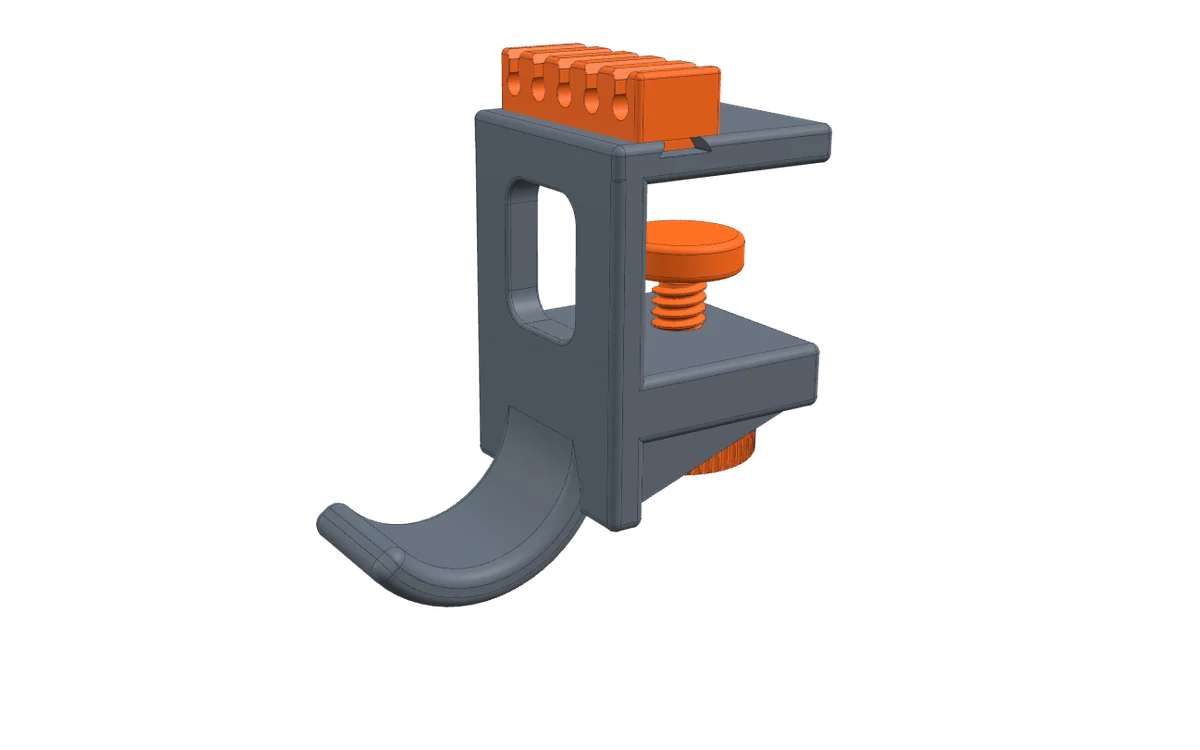
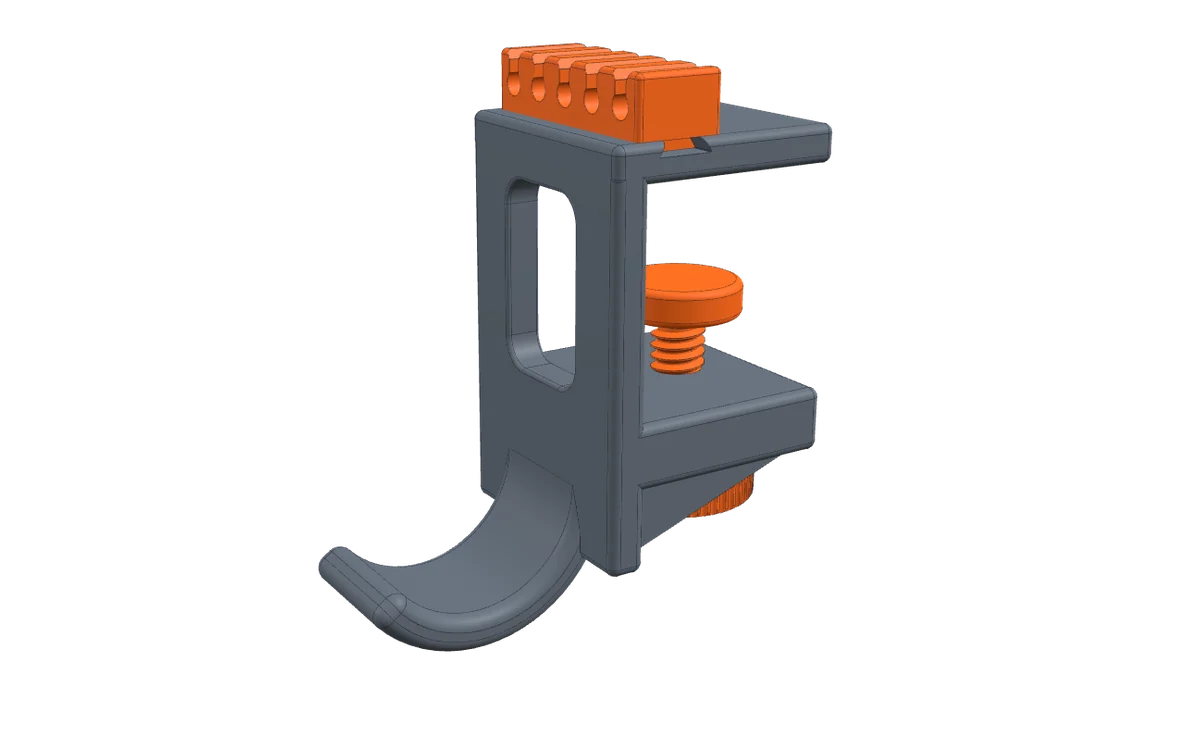
desk_thickness = 18 mm
100.7 × 56.0 × 106.8 mm
desk_thickness = 28 mm
100.7 × 56.0 × 116.8 mm
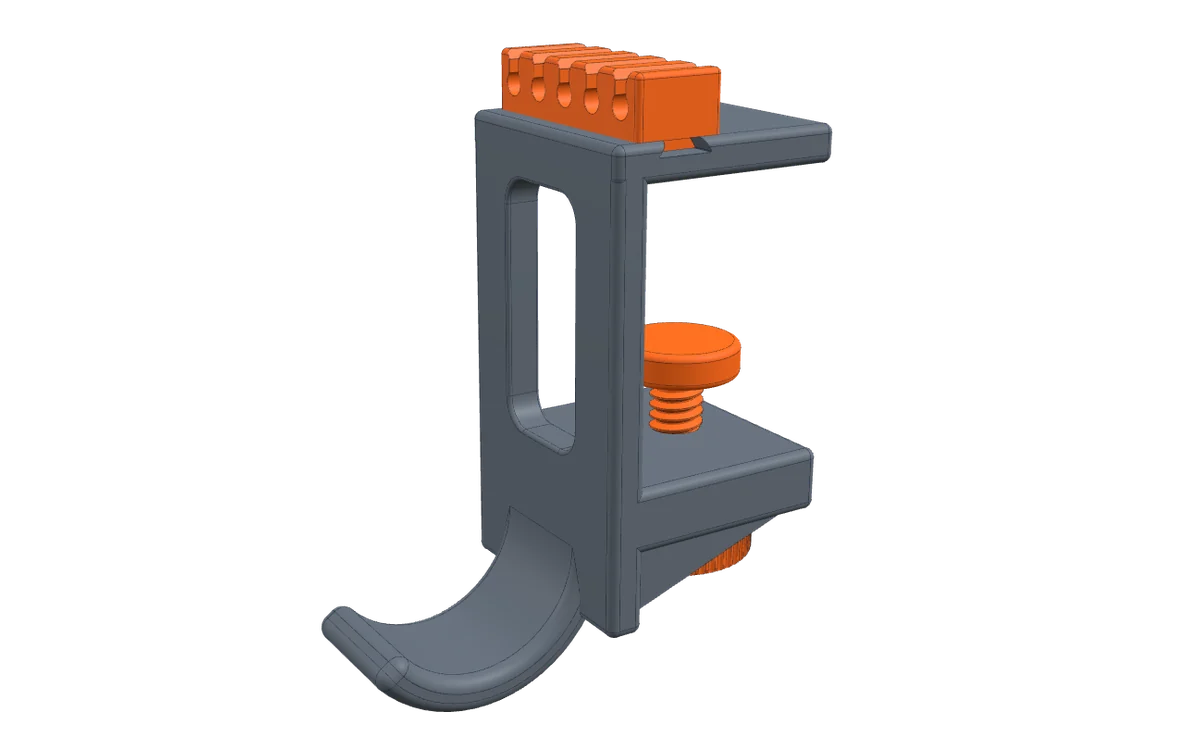
desk_thickness = 42 mm
100.7 × 56.0 × 130.8 mm
The prompt it came from
“Design a desk-edge headphone hanger and cable organizer with a curved J-hook, knurled M12 thumb screw, and flush dovetail cable comb on top. Make desk thickness and cable slots adjustable.”
Try prompt in workspace3. Bridging both worlds when you already have an STL
If you downloaded a mechanical STL from a community repository and just need to change its mounting pitch, upload it to MeshWish: as long as roughly 60% or more of the part consists of regular CAD surfaces (planes, cylinders, cones, fillets), MeshWish measures it and reconstructs a clean parametric B-rep model you can tweak and export as STEP.
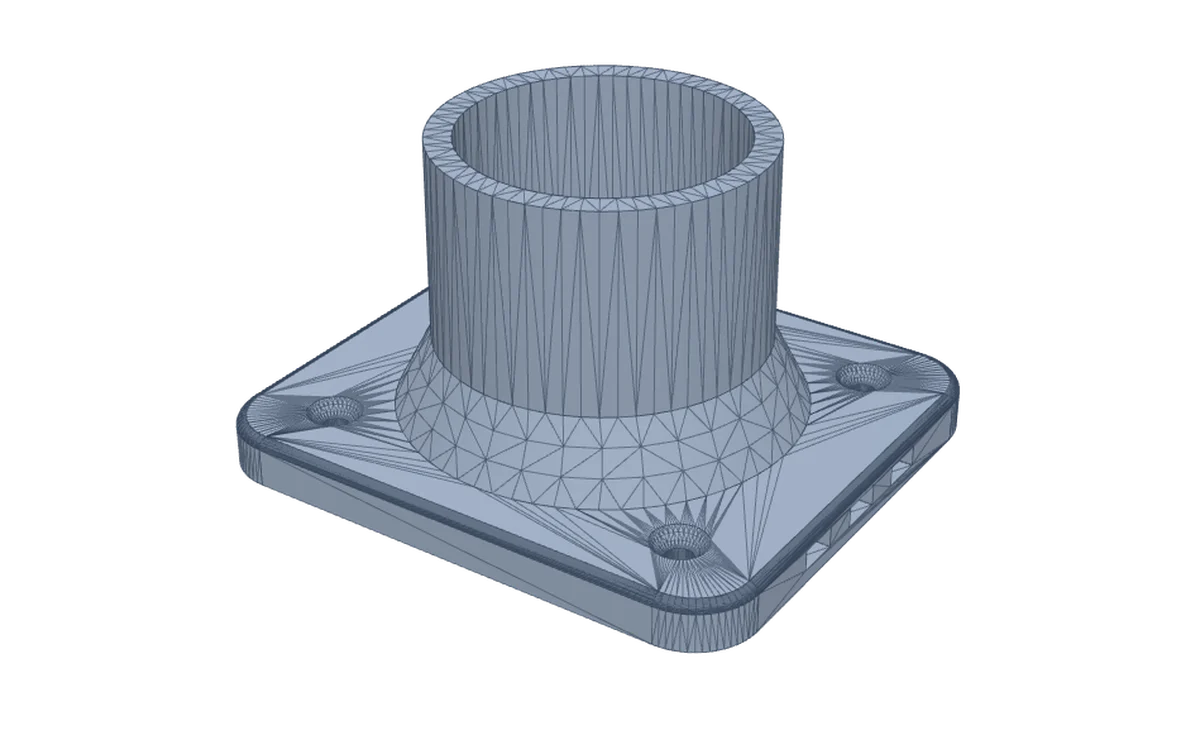 1 · Upload 70.0 × 62.0 × 40.0 mm
The STL as downloaded
Triangles only: 48 mm hole pitch and a Ø34 mm collar that nothing can change.
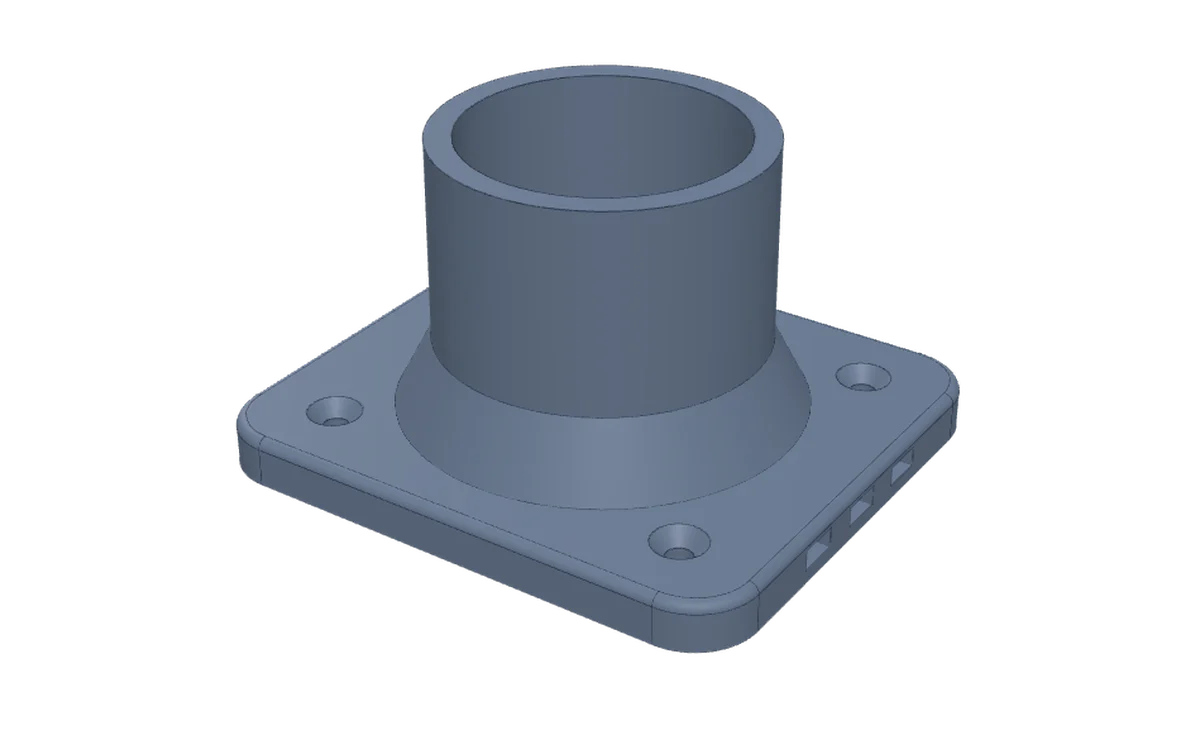 2 · Rebuild 70.0 × 62.0 × 40.0 mm
The same part as CAD
Same shape, now exact planes and cylinders, with hole pitch and collar bore as sliders.
Said in chat “Rebuild the attached blower_manifold_mount.stl as an editable parametric CAD solid with sliders for mounting hole pitch and collar bore diameter.”
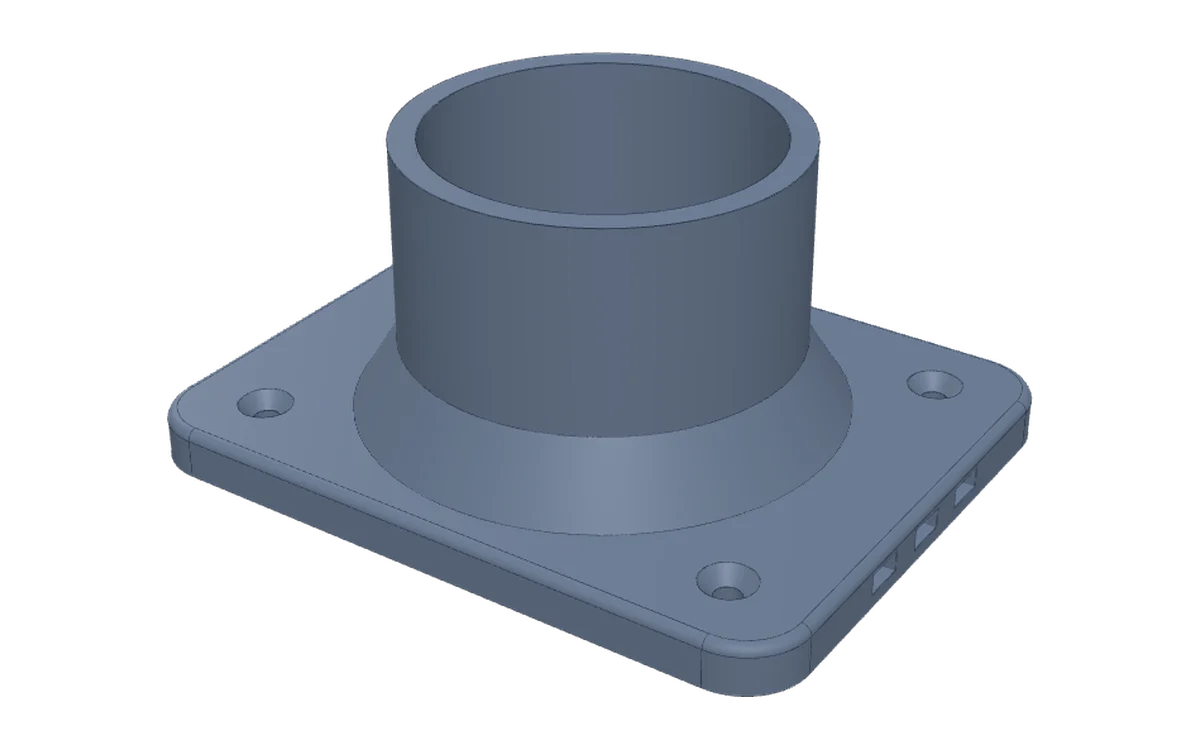 3 · Resize 86.0 × 68.4 × 40.0 mm
Pitch 64 mm, bore Ø42 mm
Two sliders moved. The plate and collar grow; the screw holes keep their diameter.
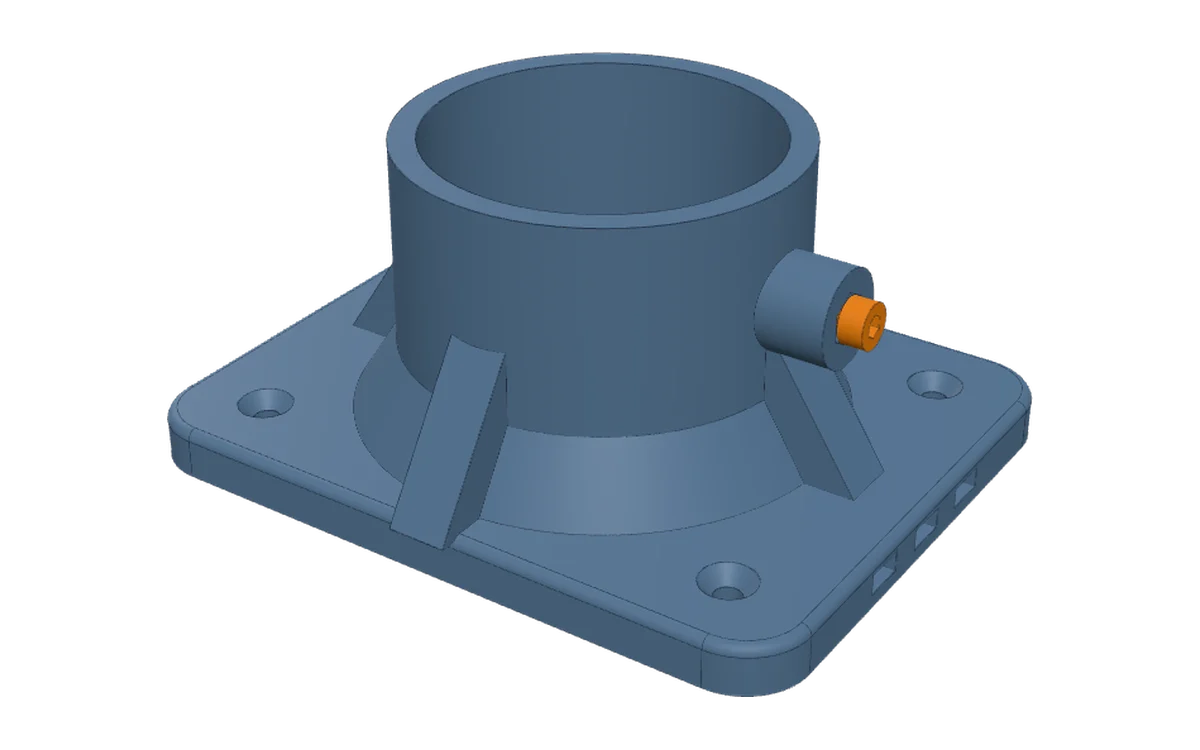 4 · Remix 86.0 × 71.0 × 40.0 mm
New features by chat
Gusset ribs, a clamping boss with a nut pocket, and a cable slot added to the rebuilt part.
Said in chat “Add 4 external triangular gusset ribs around the collar, a side clamping boss with an M3 hex nut pocket and socket cap screw, and a rear cable slot.”